
Neon nights
DanceDance in a rain-lit city.


Pick a template, add your photo, and create a video with sound or a looping GIF.
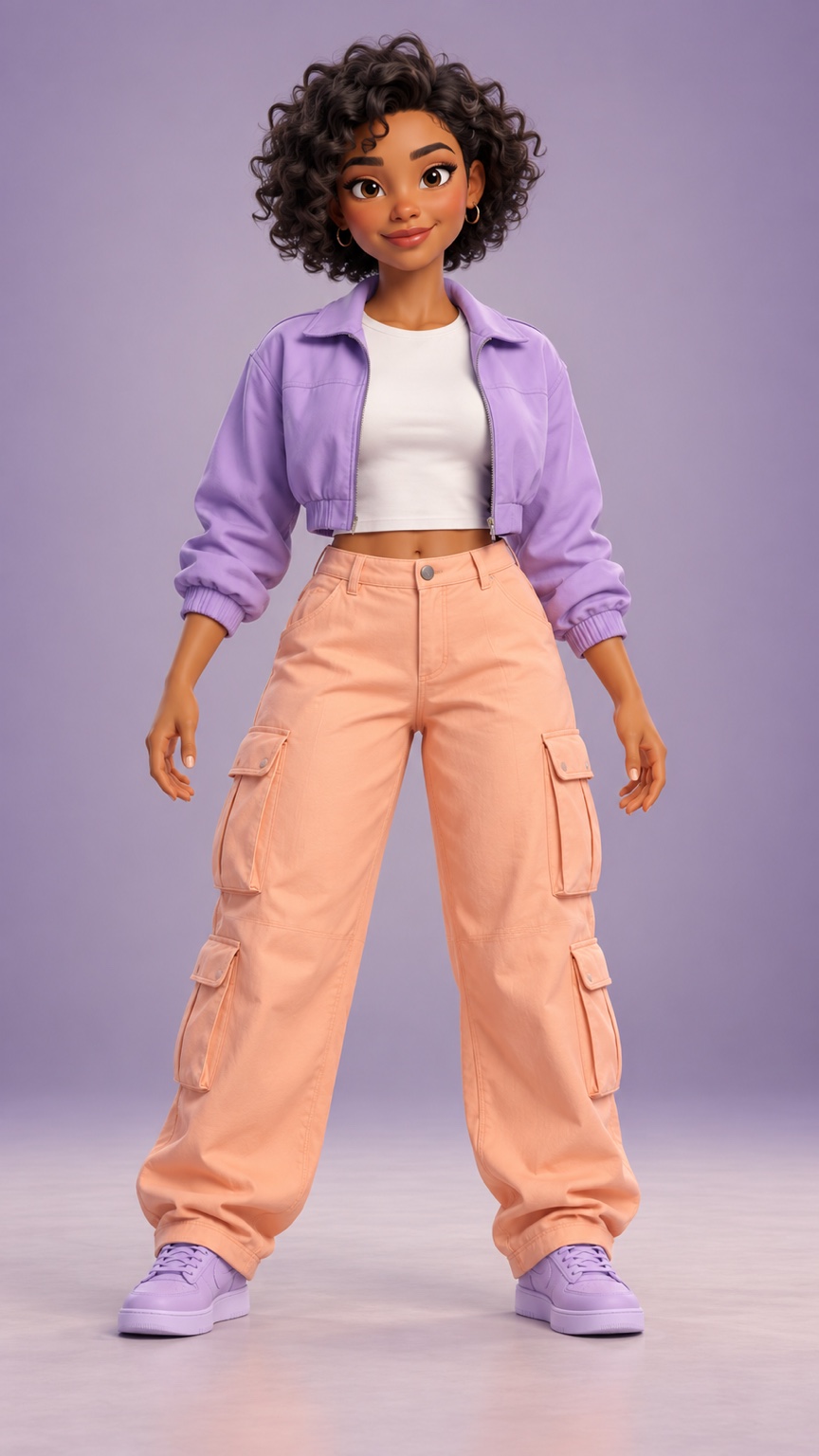
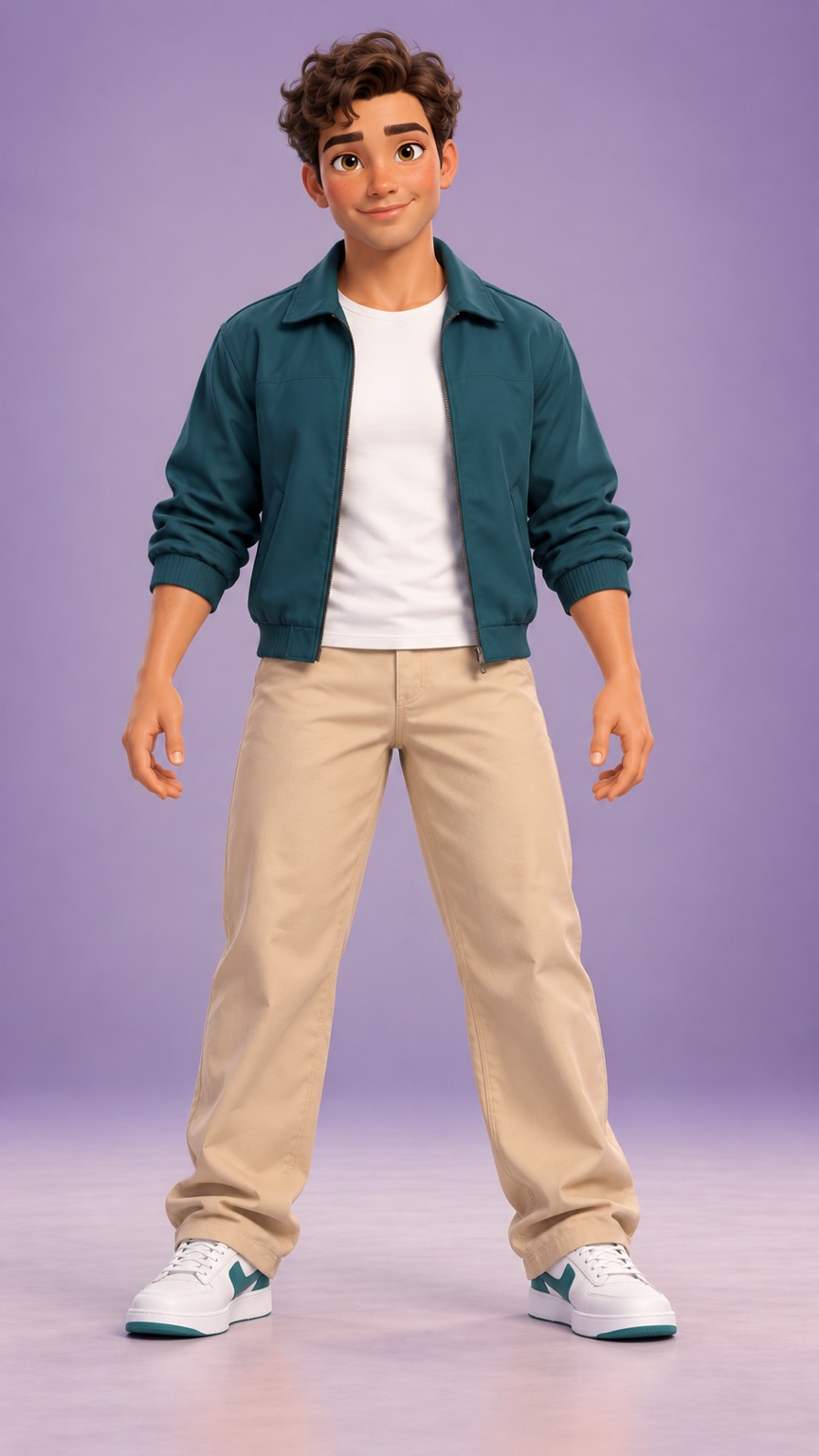
Different people, places and rhythms. Find a scene that moves you.
3 previews shown.
Dance in a rain-lit city.
Two dancers. One sunset.
A little sci-fi adventure.
Original AI-generated previews with fictional characters. These examples illustrate the styles in development; they are not yet a released template catalog. AI results can vary.
Start with the example. See the scene and hear the rhythm before choosing your photo.
Watch the template’s video, then pick the movement and mood you want to create.
Choose a clear photo you have permission to use. Follow any portrait authorization needed for the person pictured.
Keep your creation as a video with sound, or turn it into a silent GIF loop.
Choose the format that fits the moment. Video carries the soundtrack. GIF keeps the movement in a silent animated loop.
Read our help page for more about creations, sound and your information.
The iPhone app is being prepared for release. This site is a preview of MovoPop, and does not currently accept photos or generate videos. Web and API access are planned to follow.
The example shows the intended scene, movement and style. Your photo and AI generation can affect the result. The formal template catalog is still being reviewed before release.
Yes, the video previews here include sound. Template previews start muted. Hover over a template to reveal its speaker, or tap the speaker on your phone to listen. The hero animations stay silent. MP4 supports audio; GIF is a silent format.
You can browse MovoPop with a guest profile. Sign in with Apple is optional.
Selected photos are processed to make your creation. Read our privacy information for the current service, retention and deletion details. This preview website does not upload photos.
Coming first to iPhone. Web and API access to follow.